- Add Questions and Update the Connect Template :
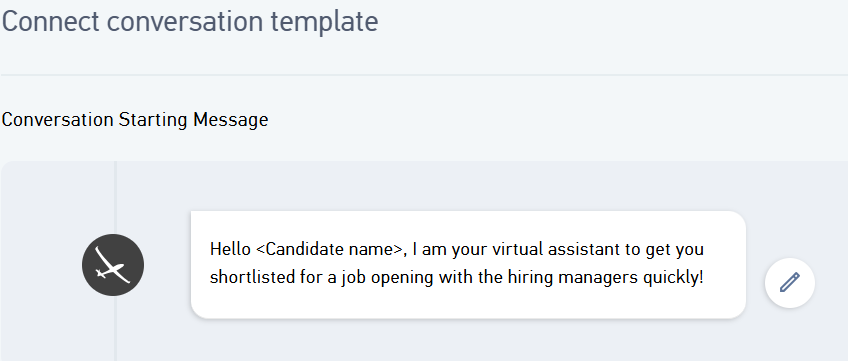
- Conversation starting message - It is displayed to candidates as soon as the candidate starts the Connect session. The message can also be customized.
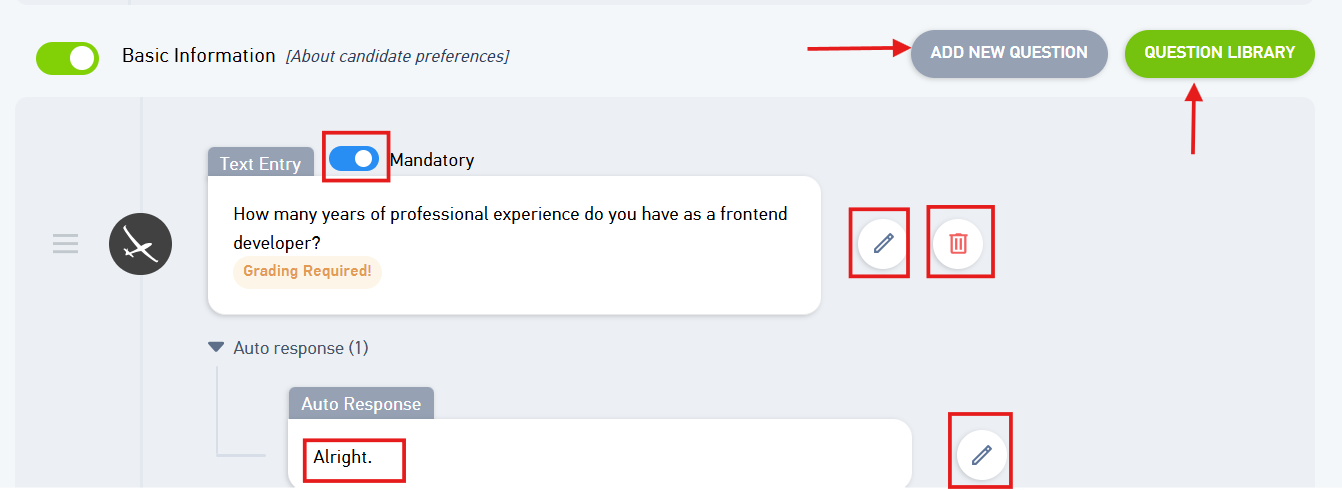
- Basic Information: To capture the candidates basic information, you can add relevant questions from the question library or author your own questions. Shuffle question orders and tailor auto-responses given to the candidate as shown in the image below
- You can create any new question by clicking on Add New question
- You can also select any question from the question library
- Skill Evaluation: Skills can be evaluated as the questions would be posted to the candidate from the question bank based on the skills preferred

- Survey: You can create a feedback questionnaire by clicking on Add new questions

- Candidate video: The candidate here is asked to record a video introducing his/herself.
Note: You can also add new questions from the library too.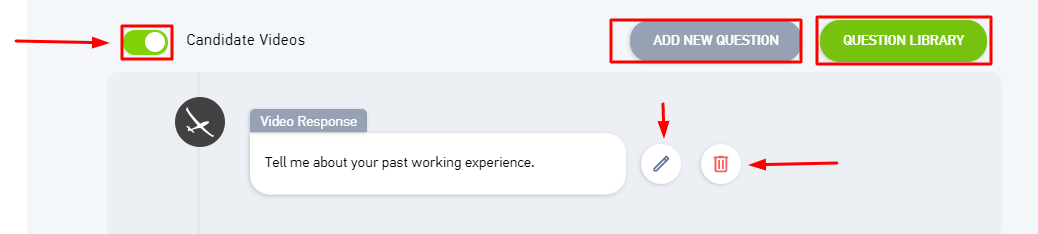
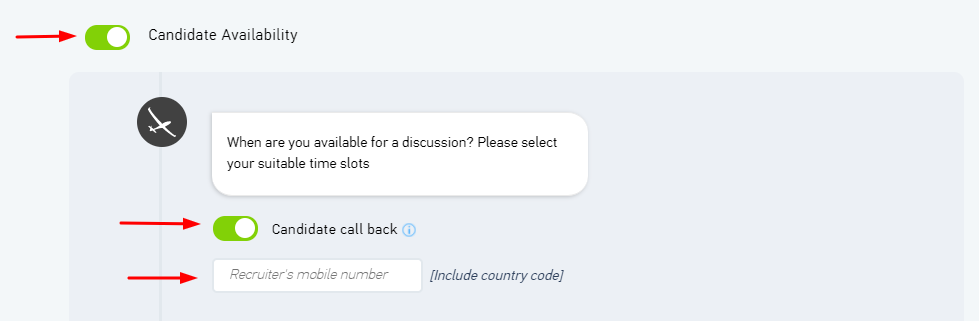
- Candidate Availability: As shown in the image, there would be a question posted to the candidate asking for his/her availability.
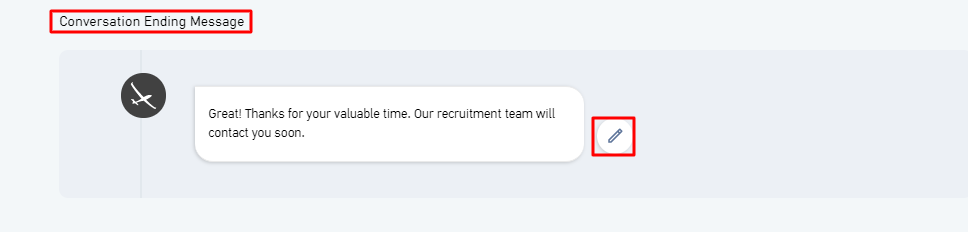
- Conversation ending message - It is displayed to candidates as soon as the session is over.
Click on Next once done.
Was this article helpful?
That’s Great!
Thank you for your feedback
Sorry! We couldn't be helpful
Thank you for your feedback
Feedback sent
We appreciate your effort and will try to fix the article