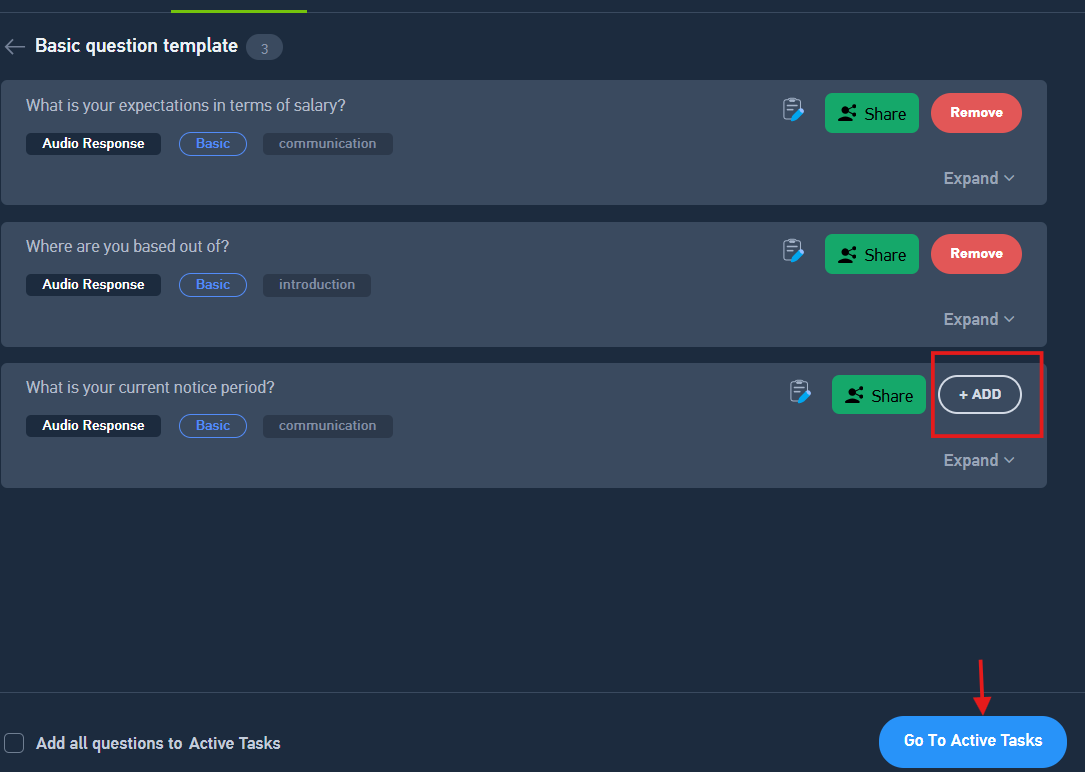
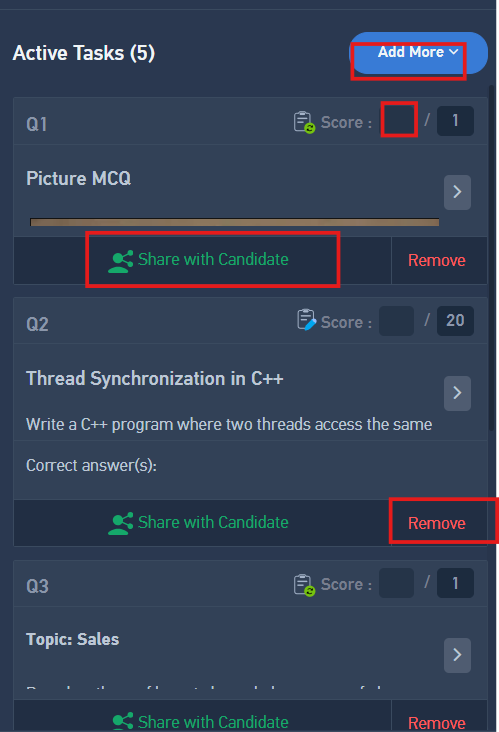
Active Tasks list

Modified on Mon, 1 Jun at 11:45 AM

If you add questions from the repository, task templates, or guided interviews, they will automatically be added to the active task list. This allows you to view all the selected questions in one place before sharing them with candidates.


Once they are added to the active task list, you can directly click on share with candidate and the particular question will be shared with the candidate in different tabs. 


Was this article helpful?

That’s Great!

Thank you for your feedback

Sorry! We couldn't be helpful

Thank you for your feedback

Let us know how can we improve this article!

Select at least one of the reasons
CAPTCHA verification is required.

Feedback sent

We appreciate your effort and will try to fix the article